Here the run down, in plain English
Your modem connects you to the internet – your mesh system spreads that connection evenly across your home.
For faster and better coverage with a seamless online experience, make sure you’re using a Wi-Fi 6 or Wi-Fi 7, not an old WiFi 5 modem.
TP-Link is the World’s No.1 Wi-Fi Product Provider.
The HB210 Pro (WiFi 7) is newer, faster, and built for heavy streaming, gaming, and smart homes. Can do used as a single unit and a mesh system. The VX230v (WiFi 6) is reliable and more than enough for most households. Can be used as a single unit. To setup a mesh system you can purchase the HB210 to link to your VX230v.
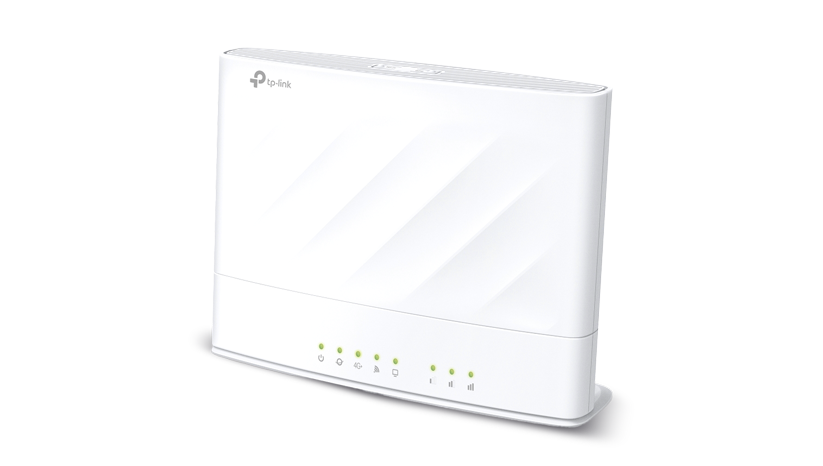
VX230v = WiFi 6 Tech modem/router combo that works with any NBN type and gives solid Wi-Fi throughout your home.
- Fast Wi-Fi that works with All NBN Types: Compatible with all NBN connections – so no matter what type you have (FTTN, FTTP, HFC, etc.), it will work.
- Better coverage with built-in features
- Want even more coverage? The VX230v is Mesh-Ready: Add the new TP-Link HB210 Pro to create a Mesh system, which helps eliminate Wi-Fi dead zones.
NEW HB210 Pro = Ultra-fast WiFi 7 Tech unit that spreads powerful internet evenly across your
- Blazing Fast Wi-Fi 7 Speeds, delivering up to 3.6 Gbps across 2.4 GHz and 5 GHz bands – faster than Wi-Fi 6, with lower latency and smoother performance.
- Best coverage. Built for Modern Homes: Handles 200+ connected devices at once, perfect for streaming, gaming, smart homes, and busy families.
- Want even more coverage? Add an additional unit (TP-Link HB210 Pro) to create a Mesh system, which helps eliminate Wi-Fi dead zones.
Recommendations:
For FTTN (Fibre to the Nobe) NBN Connections purchase the TP-Link VX230v modem and if you want extra coverage add TP-Link HB210 Pro to unlock the mesh system For all other NBN Connections go straight for the WiFi 7 TP-Link HB210 Pro. For extra coverage add an additional HB210 Pro to create a mesh system
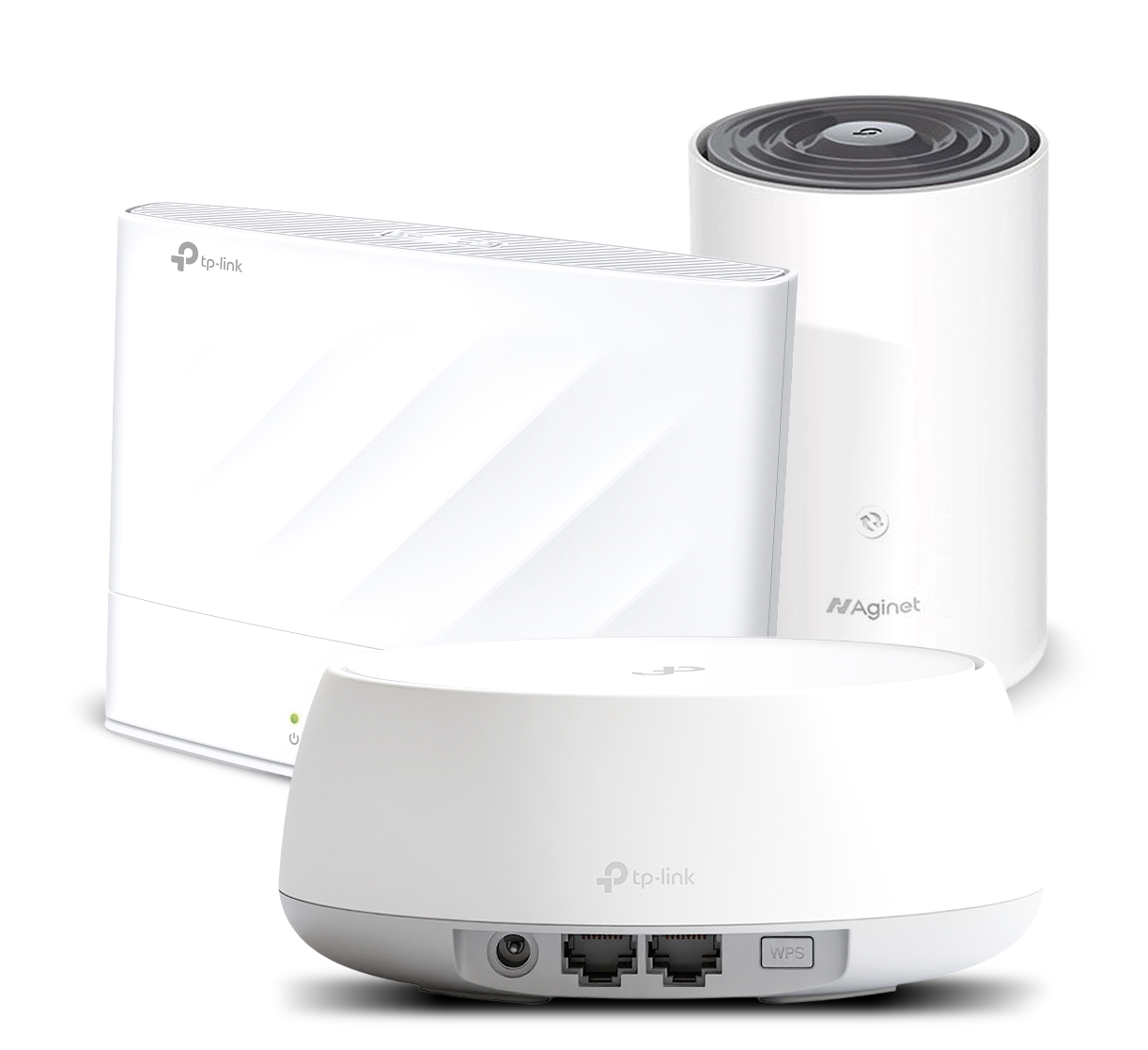
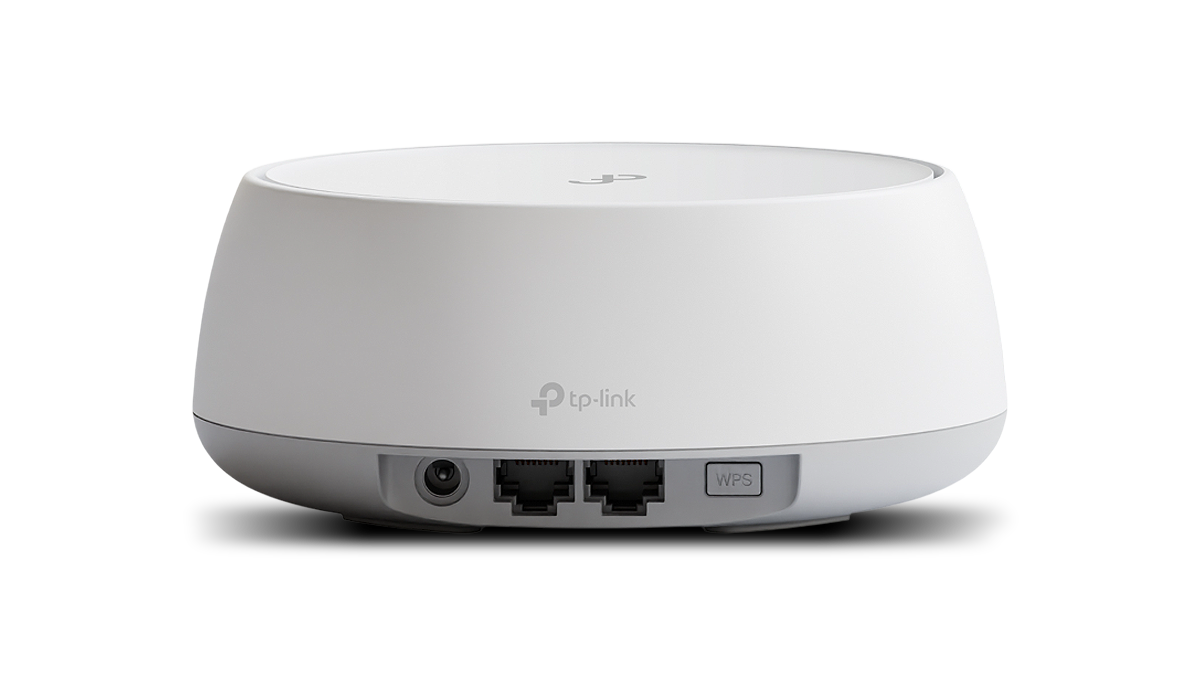
For all over NBN Connections go straight for the WiFi 7 TP-Link HB210 Pro. For extra coverage add an additional HB210 Pro to create a mesh system
TP-Link HB210Pro
Full Tech Breakdown
TP-Link HB210 Pro WiFi 7 – Blazing Fast Wi-Fi 7 Speeds, handles 200+ connected devices at once, perfect for streaming, gaming, smart homes, and busy families.
- Dual Band Wi-Fi 7 Delivers up to 3.6 Gbps across 2.4 GHz and 5 GHz bands – faster than Wi-Fi 6, with lower latency and smoother performance.
- Includes 2.5Gb WAN/LAN port + 2.5Gb LAN port for ultra-fast wired connections and future-ready NBN speeds
- Add additional HB210 Pro’s for even greater coverage (compatible modems like the TP-Link VX230v)
- Whole Home Coverage: Create a seamless smart mesh network with EasyMesh technology – no dead zones, no dropouts. Provides seamless, unified network coverage, allowing for smooth roaming across large homes.
- Advanced Wi-Fi 7 Technology: Delivers Next-Gen 3.6 Gbps speed (approx. 2880 Mbps on 5 GHz and 688 Mbps on 2.4 GHz). Powered by 4K-QAM, Multi-RU, MU-MIMO, OFDMA, and 6 spatial streams for maximum performance and efficiency. Enjoy ultra-smooth streaming, gaming, video calls, and downloads with Wi-Fi 7 speeds up to 3.6 Gbps across dual bands.
- Handles 200+ Devices: Built to support smart homes with dozens (or hundreds) of connected devices without slowing down.
- Networking Ports for Multi-Gig Wired Connectivity: Features 1× 2.5Gb WAN/LAN port and 1× 2.5Gb LAN port for ultra-fast wired devices like gaming PCs, smart TVs, or switches.
- Easy Setup & Management:
Set up in minutes via the Aginet app or web interface. Supports remote management and cloud firmware updates. - Enhanced Security & Management:
WPA3 encryption, multi-SSID (guest networks), parental controls, firewall protection, VPN support, and IPv6 compatibility. - Flexibility: Acts as a router or access point (AP) to fit various home network configurations.
- Multi-Link Operation (MLO):
Connect across multiple bands simultaneously for higher throughput, lower latency, and more reliable connections.
TP-Link VX230v
Full Tech Breakdown
TP-Link VX230v – A Powerful All-in-One Modem for Any NBN Setup. See the modem features below.
- AX1800 Dual Band Wifi 6 up to 1.8Gbps
- All in One Device – all NBN Access technologies up to 1Gb
- Wifi Mesh Ready – add a TPLINK HX716 HB210 Pro for greater coverage
- Next-Gen 1.8 Gbps Speeds: Enjoy smooth streaming, downloading, and gaming all without buffering with Wi-Fi speeds up to 1.8 Gbps across two bands.
- Boosted Coverage: High-performance antennas and beamforming technology combine to extend strong, reliable Wi-Fi throughout your home.
- Super VDSL: The latest super VDSL (VDSL2 Profile 35b) technology delivers internet speeds of up to 350 Mbps, while G.vector technology ensures advanced data transmission stability.
- Versatile Connectivity: Fully compatible all NBN Technologies
- EasyMesh Compatible: Create a smart mesh network with seamless coverage and greater flexibility based on standard mesh technology.
- Gigabit Wired Connections: 1× GbE WAN port and 3× GbE LAN ports provide fast and flexible internet access.
- VoIP Calls: Support multiple VoIP accounts and various call features to surpass traditional landlines.
- Enhanced Security: WPA3 encryption, multi-SSID, and parental controls provide personalised and safer online experience.
- Easy Setup and Use: Set up and manage your network in minutes with the powerful Aginet app.
- Remote Management: Supports TAUC (TP-Link Aginet Unified Cloud), TR-069/TR-098, TR-181, TR-111, TR-104, and TR-143 protocols for centralised management by internet service providers.
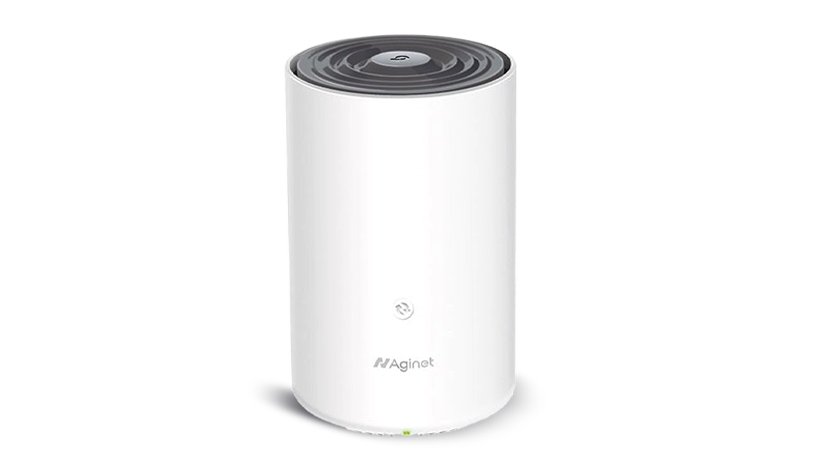


Modems, Routers & Wi-Fi Extenders FAQs
A modem connects your home to the internet via your NBN connection.
A router takes that internet signal and shares it wirelessly (Wi-Fi) to your devices like phones, laptops, TVs, etc.
Some devices (like the TP-Link VX230v) combine both into one unit.
Signs may include:
- Frequent dropouts or buffering
- Wi-Fi signal doesn’t reach all areas
- Slow speeds even when close to the router
If your modem/router is more than a few years old or isn’t compatible with newer NBN speeds, upgrading can make a big difference.
A modern router also helps when lots of devices are connected at the same time.
You might benefit from a Mesh system if:
- Your home is large or multi-storey
- You have thick walls or signal dead zones
- Your Wi-Fi is fast near the modem but poor in other areas
- You want seamless coverage as you move through the house
Most modern modems and Mesh systems are DIY-friendly and come with easy app-based setup. If you’re replacing an older device, you may just need to plug in the new one and follow simple steps.
TP-Link’s EasyMesh technology makes it simple. Just plug in the HX716 Pro, follow the app setup, and it will sync with your main unit (VX230v) automatically.
- The VX230v is a modem + Wi-Fi router in one – it’s your main connection to the NBN.
- The HX716 Pro is a Wi-Fi 6E router/extender – it expands coverage and boosts speed, especially as part of a Mesh setup.
Not always.
- If you just need one strong Wi-Fi signal and have an average-sized home, the VX230v alone may be enough.
- If you have a large home, thick walls, or want stronger Wi-Fi in every room, you can pair the VX230v with one or more HX716 Pro units to create a Mesh network.